Checkout by Polar·Immediate access after checkout·Free resources·Your purchases
Turn scattered platform exports into a monthly client report that says what happened, how sure you are, and what to do next. The method explains each decision in plain language, so the report only says what the month can back up.
Six steps take the month from the client's question to the report and the plan: frame (say what the report is for: the client’s goal, the decision it helps with, and the one number that decides how the month went); gather and check (put the month’s posts and the account’s totals in the workbook, and answer the five questions it can’t check itself); compare (this month against the three before it, and the posts against each other, with floors that keep small numbers from telling big stories); explain (what happened with its numbers, then what might explain it, then how sure the numbers let you be); plan (up to three things for next month, each with an owner, a measure, and a date to look again); report and carry forward (fill the client deck from the workbook, send it, and start next month in the same workbook).
Includes:
- Start Here (where to begin, what you need, and how to put the report in the client’s colors and fonts)
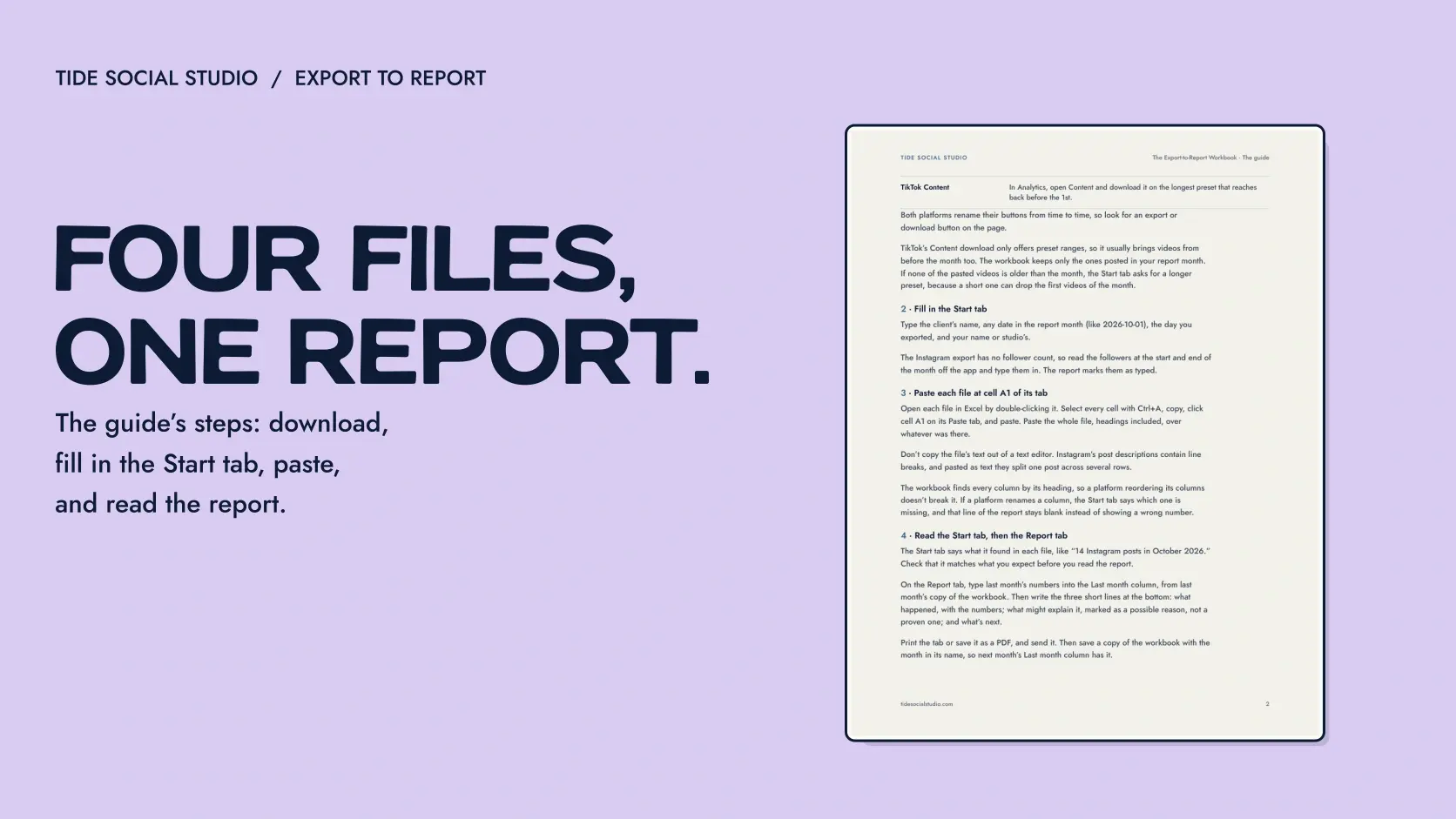
- The method guide (seventeen pages on the six steps, when each rule applies, and why)
- Monthly Reporting Workbook (an Excel workbook that checks the month as you fill it in, then compares, and holds your findings and plan)
- Client Report Template (an eight-slide PowerPoint deck in the order a client reads it, which takes the client’s colors and fonts in one step)
- Quick Reference (two pages with the steps, the checks, the formulas, and the words to use)
- Prompts (optional prompts for an AI assistant that ask for calculations and checks, never for conclusions)
- Marigold Skin worked example (a fictional studio’s exports, its finished workbook, and its finished report for one month)
We make your clients' monthly reports in your branding, ready for you to review and send. Try the first month free
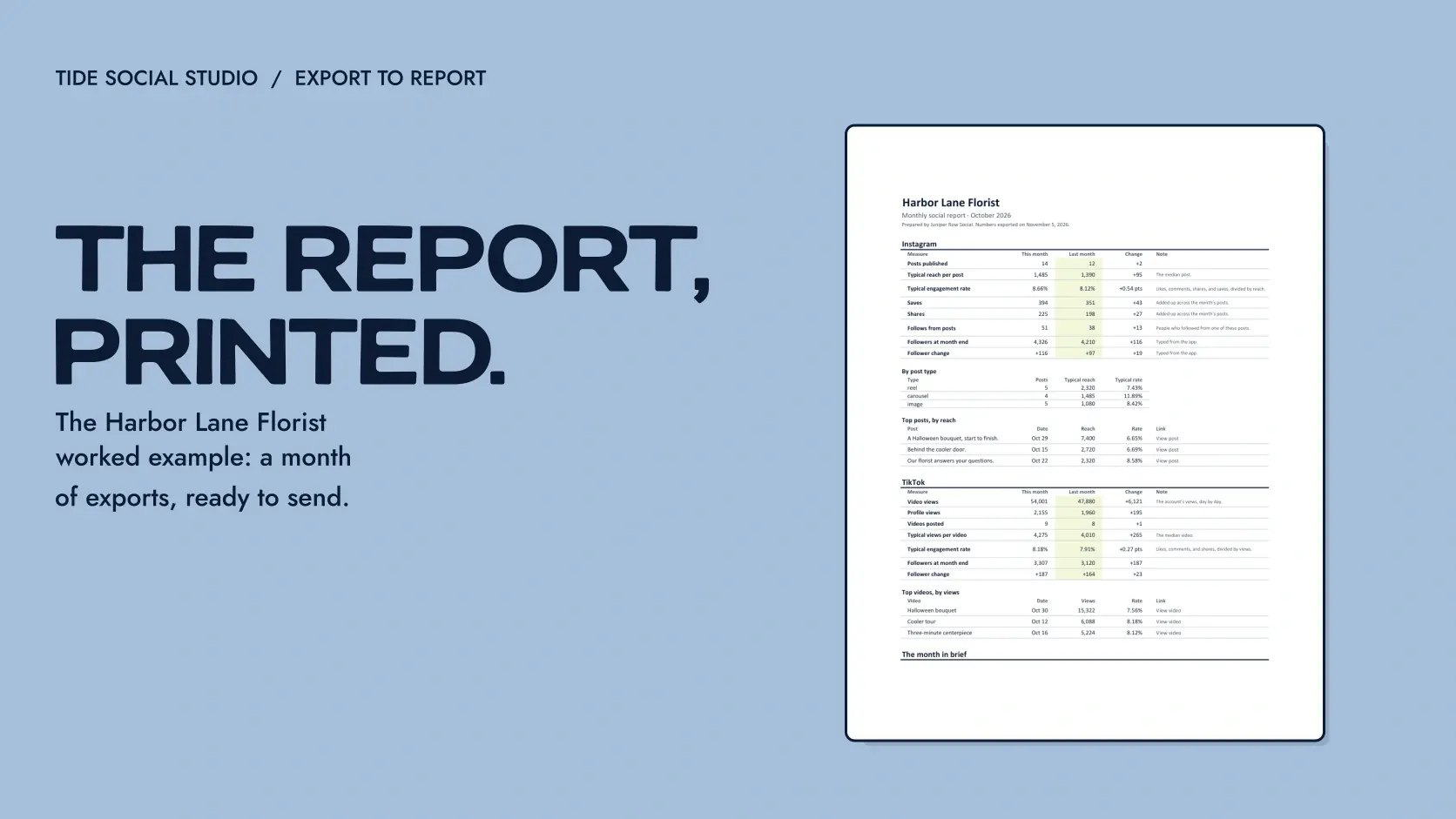
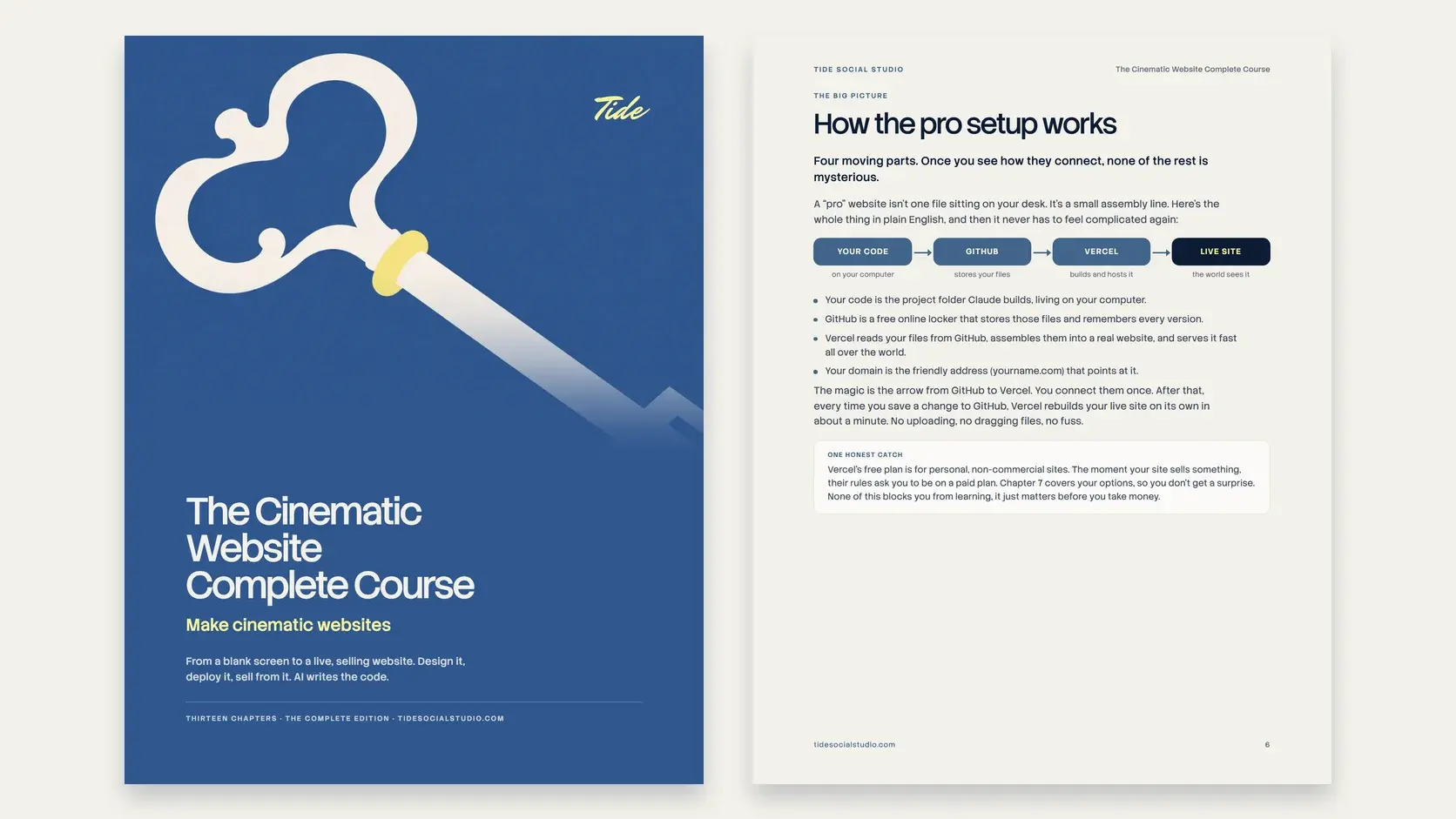
What you can see now: the pictures are version 3's guide, workbook, client report, and quick reference, filled in with the worked example. What they don't show: the worked example is a fictional studio, and the product is new, so there are no customer results to show yet.
How it was made:
The guide, the workbook and its formulas, the client report deck, the quick reference, the prompts, and both worked examples were created with AI under Tide's creative direction. The workbook's formulas are checked against a separate calculation in Excel and LibreOffice, and against real Instagram and TikTok exports. The two worked examples, a skincare studio and a bakery, and all of their numbers are invented.
About the files:
It isn't a live dashboard, an automatic report generator, or an attribution shortcut: it doesn't pull data from social platforms, it doesn't replace accurate exports, working tracking, client context, or your own judgment, and it can't turn observational data into proof of cause. The workbook is an .xlsx file for desktop Excel, tested in Excel and LibreOffice. Google Sheets isn't supported. The client report is a .pptx deck built and tested in PowerPoint for Windows, and it carries its font inside it. The prompts are optional: only share client data you're allowed to, and check every calculation yourself.
License and refunds:
One named user may use the system for unlimited client projects and white-label completed, client-specific reports; the reusable guide, workbook, prompts, templates, and examples may not be shared or resold. Read the full single-user license and the privacy policy. Downloads are delivered instantly, so there are no refunds for a change of mind; a faulty or misdescribed file is made right or refunded within 14 days, as the terms say.